

The washing machine tells me how long it’s going to take when I start it, but it’s often wrong and takes longer. I’ve been descending into the basement countless times, usually from the first floor, only to notice it’s not done yet.
This is just a small thing but I want to share anyways: I just plugged it in a Zigbee plug with power meter and put an entity icon into the default dashboard. It’s conditional and only shows up when power!=0.0.
No more pointless stairs!
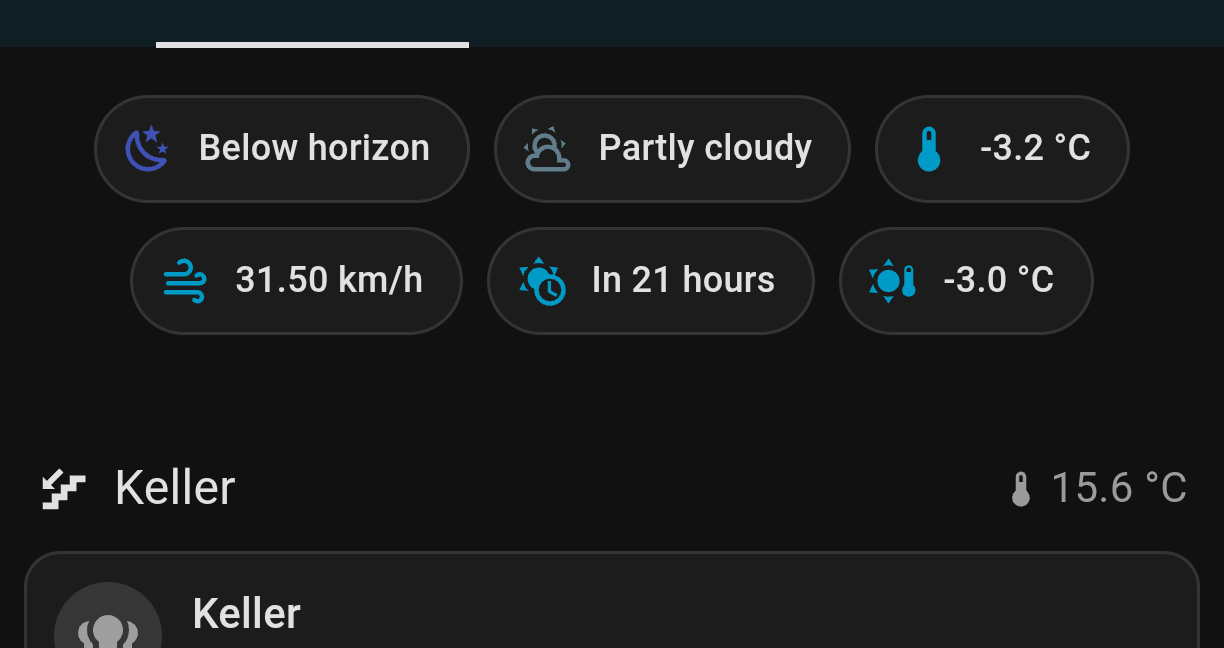
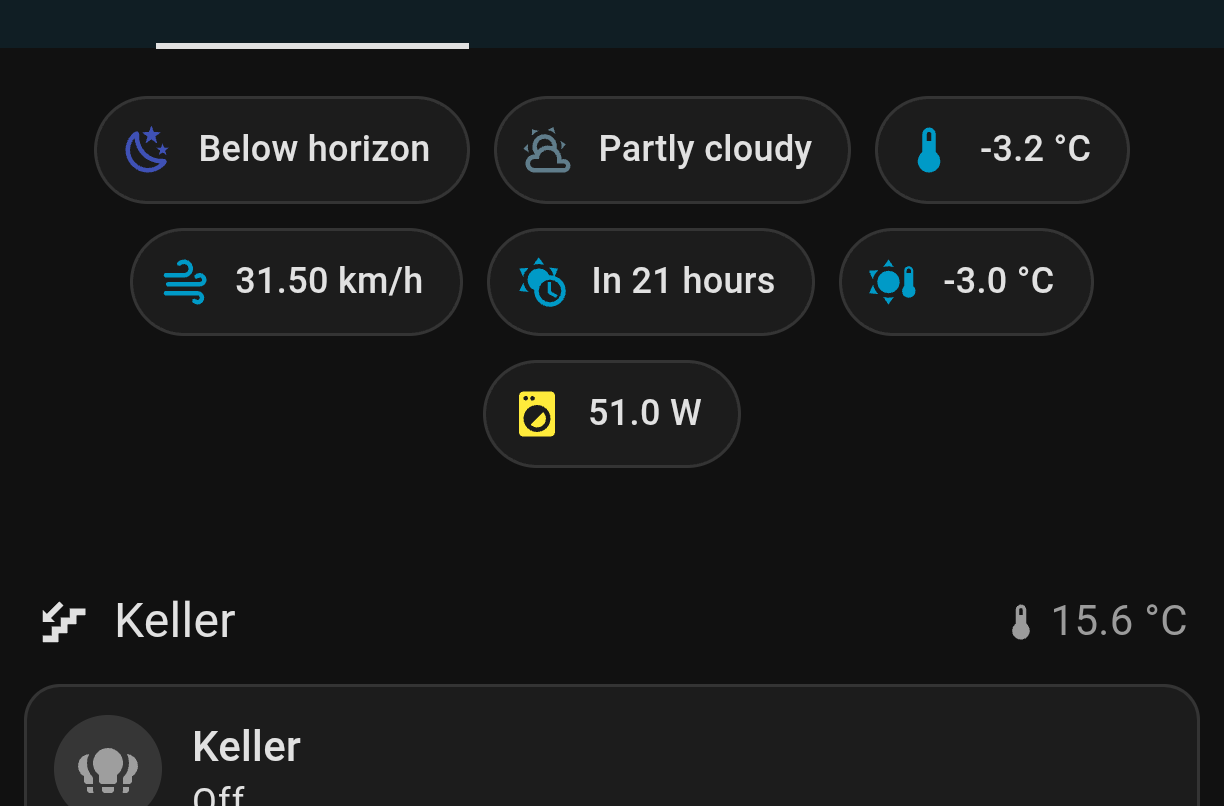
I have moved it next to the basement temperature but it’s not running right now and I don’t want to forge the screenshot so it’s showing before the change.
It’s really easy to use. You assign it your smart plug and it’s power consumption sensor (that’s the only requirement). Then you can define thresholds when the automation should trigger and actions that should take place in these events. I send a notification to my phone when the program has finished so I know exactly when I need to go and collect my laundry.