I’m glad to hear it! If you have time, it’s considered good manners to post the solution to your question if you find it, so anyone else with the same problem who finds the thread also finds the solution ☺️
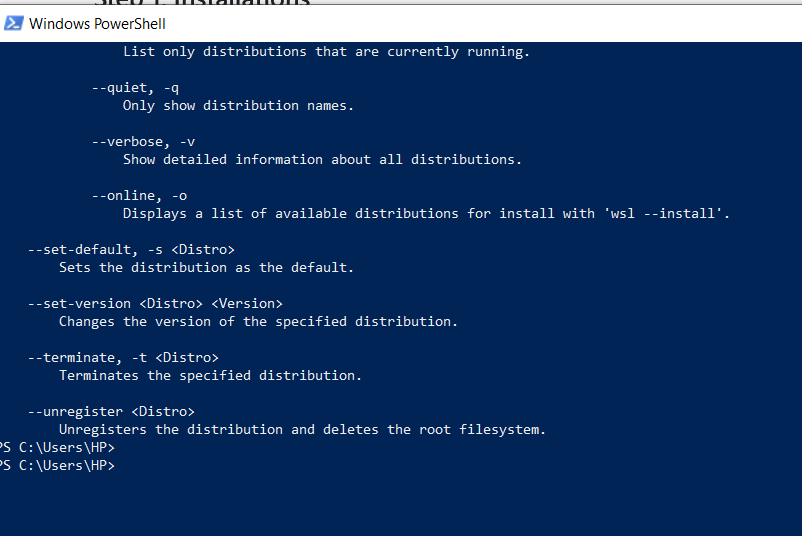
After going through my screenshot, Gemini suggested me to download a certain tool from Microsoft and install it, giving me the exact steps to do it. I followed, and then found my newly installed WSL working again.


My problem has been solved. Thanks.
I’m glad to hear it! If you have time, it’s considered good manners to post the solution to your question if you find it, so anyone else with the same problem who finds the thread also finds the solution ☺️
I asked Gemini. Do you suppose it’s worth posting here ??🤨🤨🤨
No.
If it worked for you, yeah. “If an idea is stupid and it works, it’s not stupid”, kind of sentiment (☞゚ヮ゚)☞
After going through my screenshot, Gemini suggested me to download a certain tool from Microsoft and install it, giving me the exact steps to do it. I followed, and then found my newly installed WSL working again.
Guessing you were missing a distro. You basically installed the WSL framework but need to install a distro after that.
Wsl is independent of distro.